
Desktop or mobile web
Browser
- Customer site portalAssigned alarm and patrol sites
- Technician toolsSite work, help and new-account handoff
- Personal safetyAvailable in the phone apps
Pocket Watchdog
One login for assigned sites, personal safety and technician tools—on the web, Android and iPhone.
Watchdog creates each account with the sites, tools and safety features that person needs.
Review alarm information or work with patrol-site notes, visits and jobs. One login can cover more than one site.
Customer site access Personal safetyPanic works in both phone apps. Android can also run enabled lone-worker checks.
Personal safety features TechniciansSearch accounts, manage test mode, update site records, prepare a handoff and use field guides.
Technician toolsUse the same login in the browser, on Android and on iPhone. Available features follow the person's account and platform.


Each login shows its assigned sites, with a site switcher when there is more than one. Alarm and patrol sites each have a purpose-built view.
Review the current information held for each assigned alarm site.
The menu changes for a patrol site, so the information matches the work taking place there.
Personal-safety accounts use the Android or iPhone app, with panic, emergency contacts and the protections enabled for that person.
Press and hold for about 3 seconds to send an alert straight to monitoring. Releasing early or sliding off cancels it, helping prevent a pocket tap from sending.
The alert includes location when available. It can still send without GPS, and the app provides a direct call to 0800 928 243 if needed.
Store up to three contacts in call order, plus the person's callback number. They are included with an alert for monitoring.
Start protection begins the enabled checks and shows that protection is active. Stop protection ends them.
Scheduled safety prompts, with the option to check in early.
Flags movement that may indicate a possible fall. It is not a medical device.
Flags a possible significant drop of the phone.
Prompts after an agreed period without meaningful movement.
Android setup includes notifications, location and battery optimisation. Alerts wait for a connection if signal is lost.
Find monitored sites, complete common account work and prepare handoffs from the browser or either phone app.
Search monitored accounts and review site details, activity, faults, signals, contacts, zones, schedules and notes.
Manage test mode, zone labels, alarm users, response contacts and service notes while on site.
Review possible faults, nearby sites on test, connection details and Permaconn activations.
Save and submit site, equipment, contact and response details for the monitoring team to review and create.
Search practical guides for alarm panels, communications, monitoring processes and common faults. Technician help is available, with operational decisions handled by phone.
Review assigned sites, activations and active test modes. Access can be view-only or include updates, with personal-safety features granted separately.
Raise the eventThe phone sends a panic or an enabled Android check.
Confirm when promptedAutomatic checks can be cleared or sent for help. Panic goes straight through.
Operator verifiesWatchdog monitoring receives the person, event and available location.
Follow the planThe operator carries out the response already agreed.
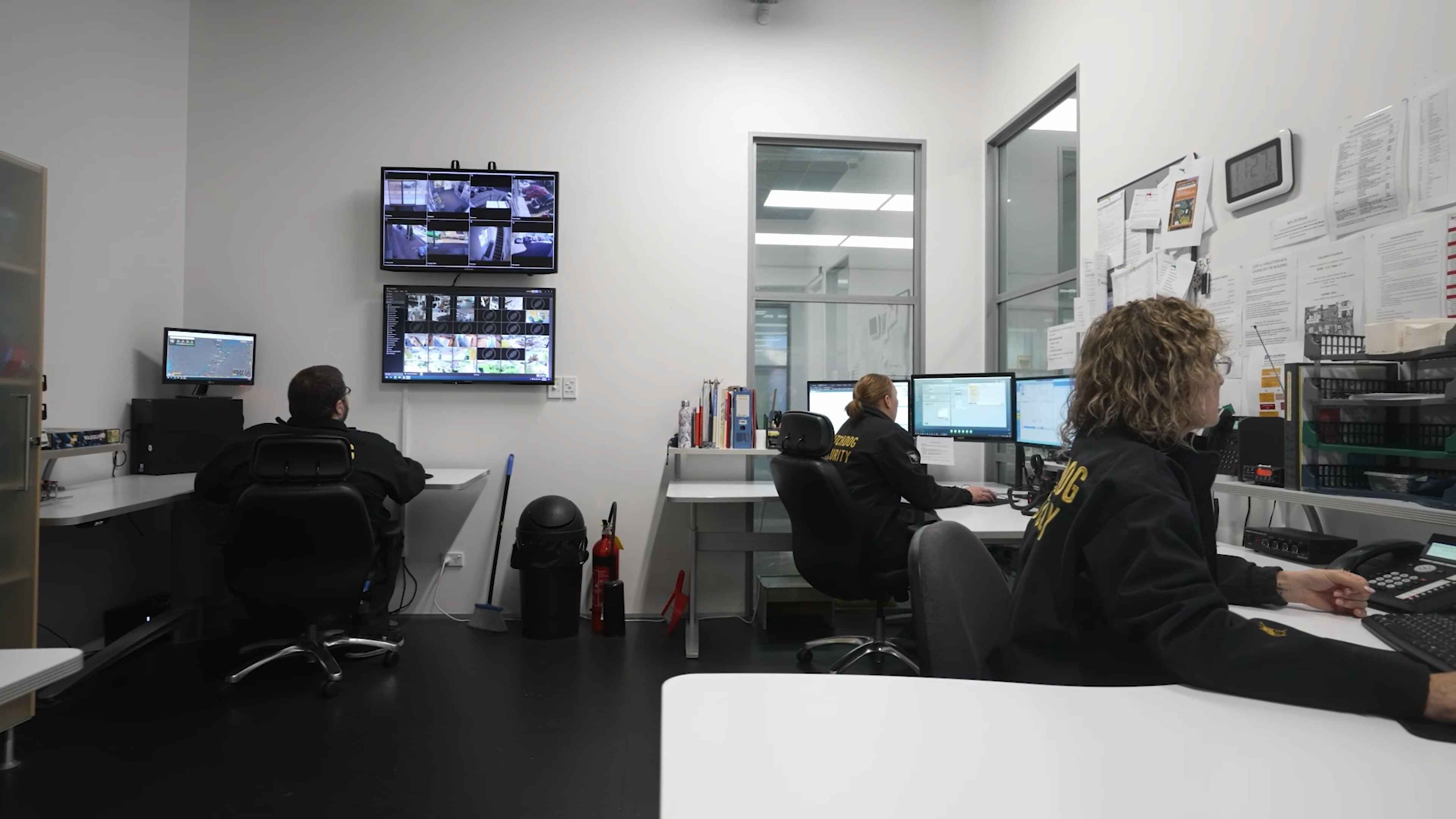
It is one Watchdog login for permitted site information, personal safety and technician work. Watchdog creates the account and decides what that person can see and do.
For customer site information and technician tools, yes. Panic and lone-worker checks use the phone app.
No. Panic is on both phone apps. Welfare, fall, phone-drop and no-movement checks are Android only.
No. Location supports panic and gives Android protection a recent position for alerts. There is no employer live-tracking screen.
No. It is a phone-based safety check. It can miss a fall and can prompt when nothing is wrong.